Table of Contents
Info window
Informations about the currently active dataset.
<figure fig-info>
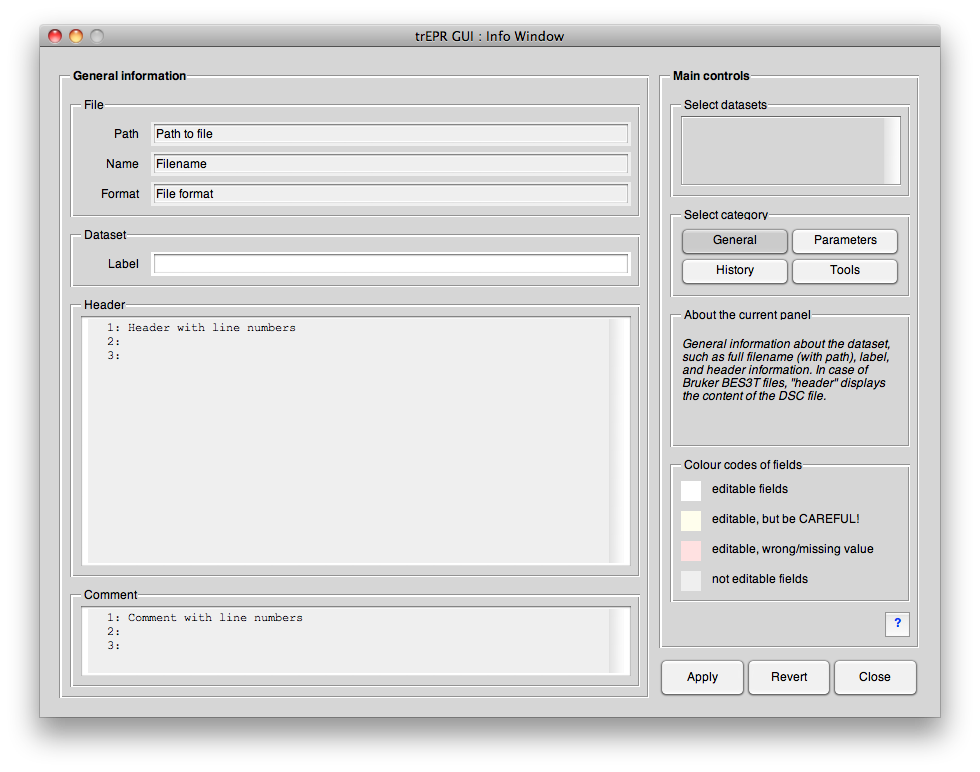 <caption>Info GUI window. This window provides the user with all parameters and information known for a particular dataset loaded into the main GUI. At the same time it allows to edit and complete this information.</caption>
</figure>
<caption>Info GUI window. This window provides the user with all parameters and information known for a particular dataset loaded into the main GUI. At the same time it allows to edit and complete this information.</caption>
</figure>
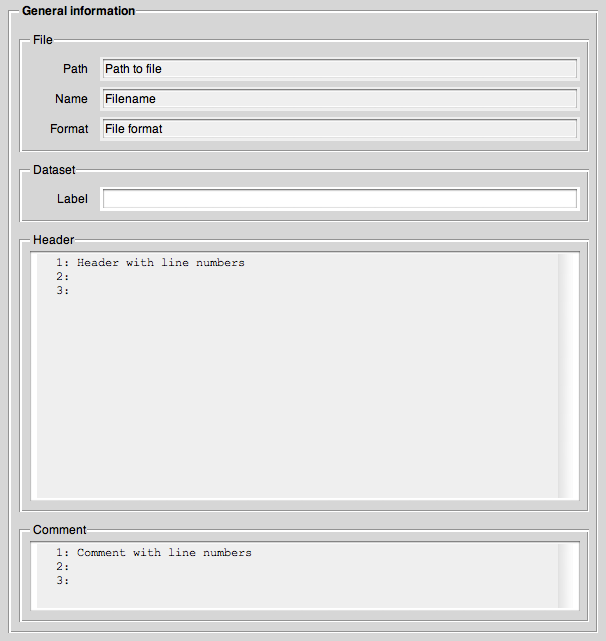
General panel
<figure fig-info-general>
 <caption>…</caption>
</figure>
<caption>…</caption>
</figure>
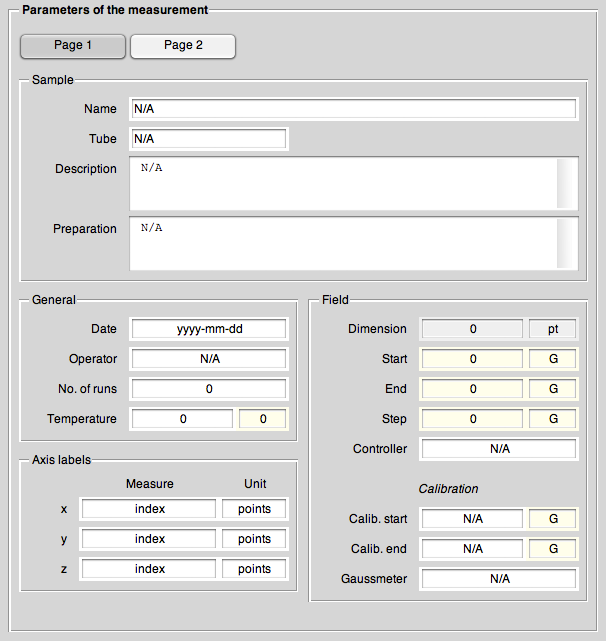
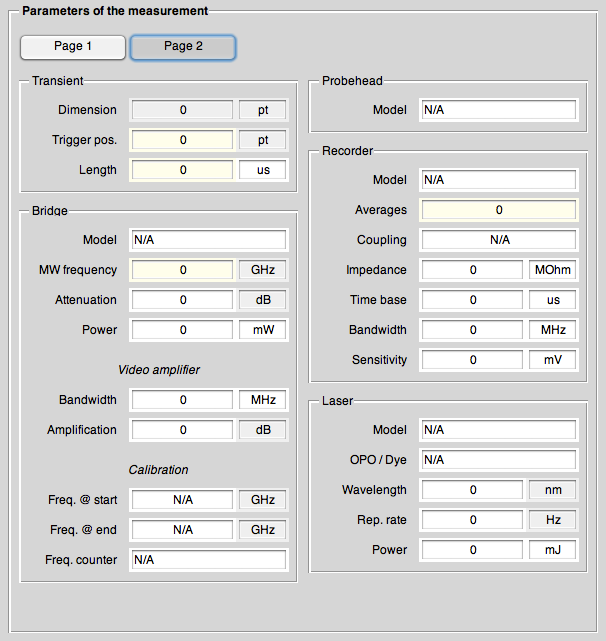
Parameters panel
<figure fig-info-parameters>
 <caption>…</caption>
</figure>
<caption>…</caption>
</figure>
<figure fig-info-parameters2>
 <caption>…</caption>
</figure>
<caption>…</caption>
</figure>
History panel
<figure fig-info-history>
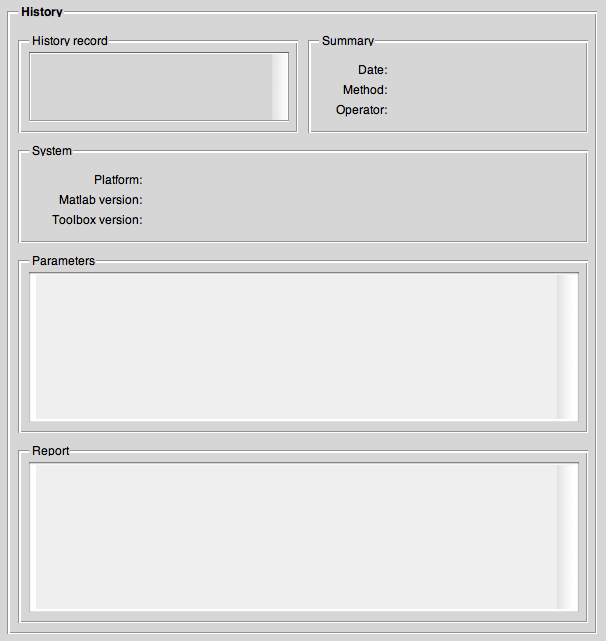 <caption>…</caption>
</figure>
<caption>…</caption>
</figure>
Tools panel
<figure fig-info-tools>
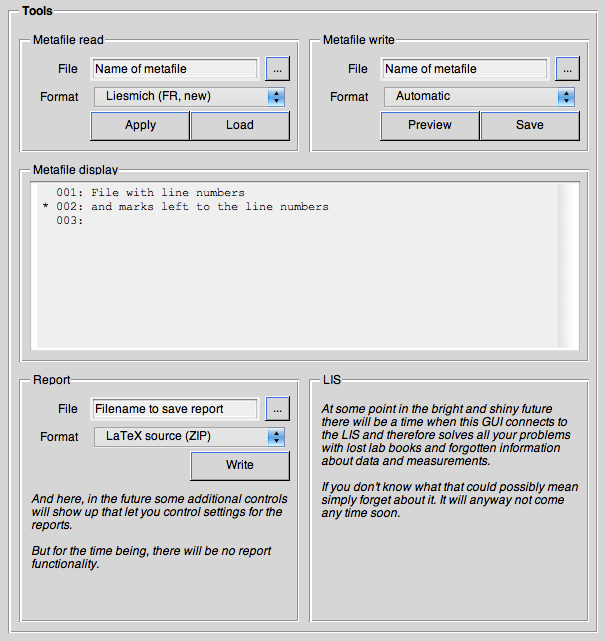 <caption>…</caption>
</figure>
<caption>…</caption>
</figure>
Help
<figure fig-infowithhelp>
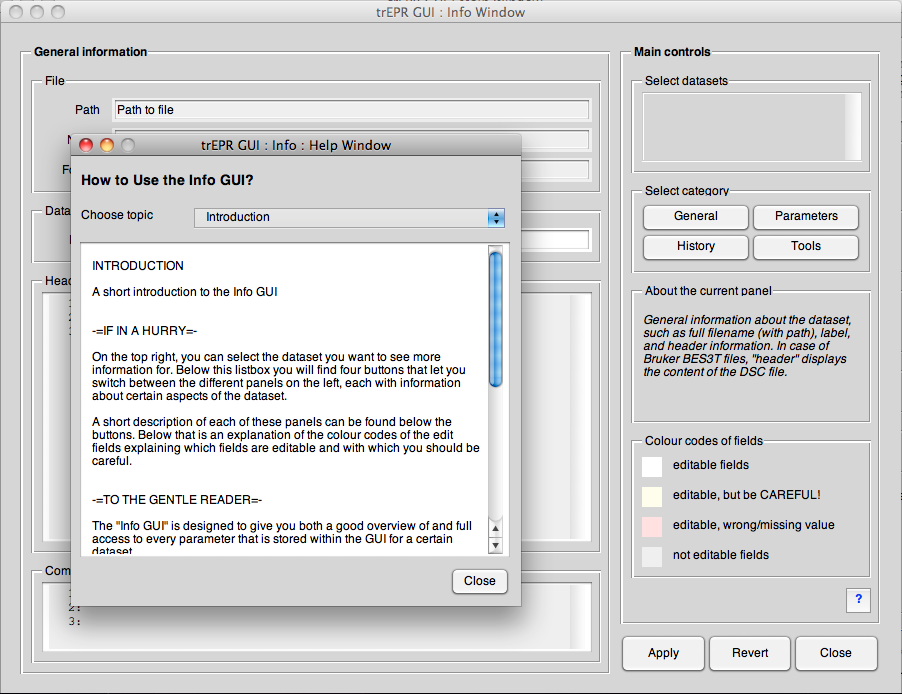 <caption>…</caption>
</figure>
<caption>…</caption>
</figure>
<figure fig-info-help>
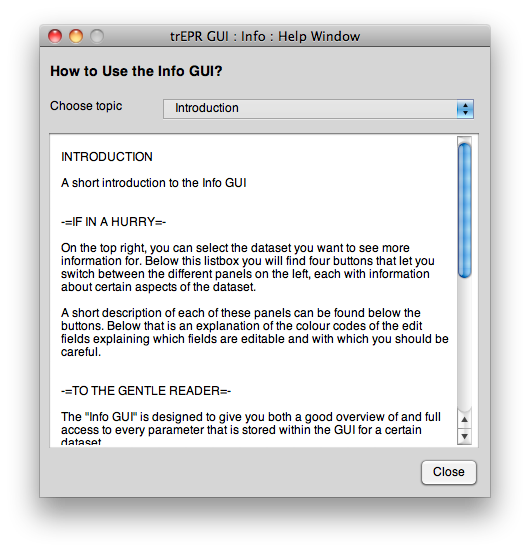 <caption>…</caption>
</figure>
<caption>…</caption>
</figure>
Keyboard shortcuts
There are a number of keyboard shortcuts to help making working with the GUI more convenient. These shortcuts are (as much as possible) identical for every subwindow.
- Ctrl+1…4
- Switch between panels
- Ctrl+w
- Close GUI
- F1
- Help