Table of Contents
Baseline correction (BLC)
Baseline Correction (BLC) for the currently selected dataset.
<figure fig-blc>
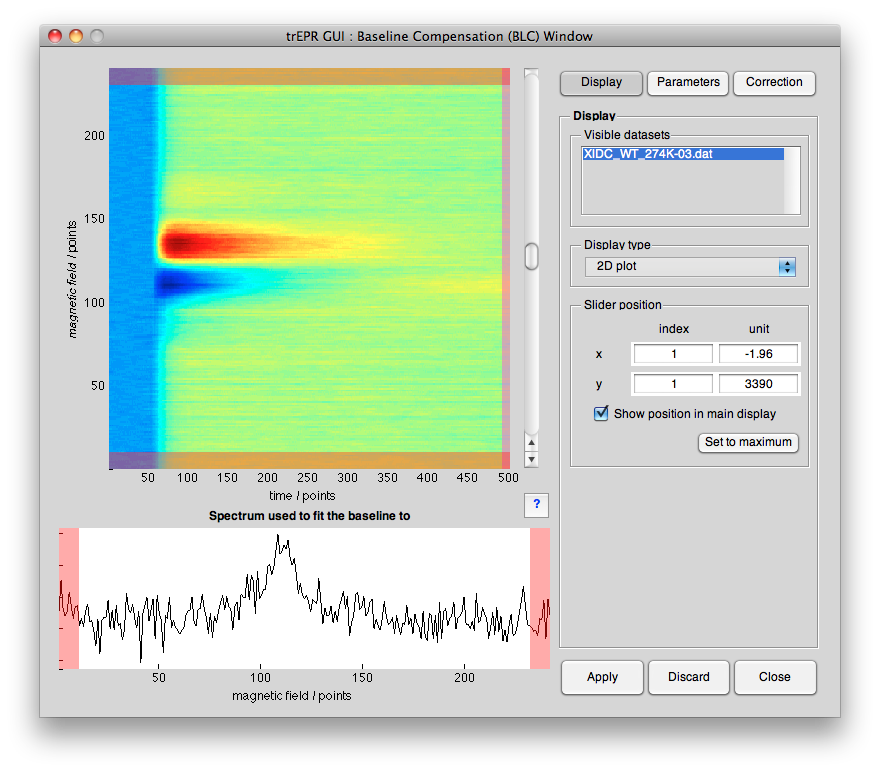 <caption>BLC GUI window. This window allows to perform a baseline correction of the curently selected dataset.</caption>
</figure>
<caption>BLC GUI window. This window allows to perform a baseline correction of the curently selected dataset.</caption>
</figure>
Panels
<figure fig-info-panels>
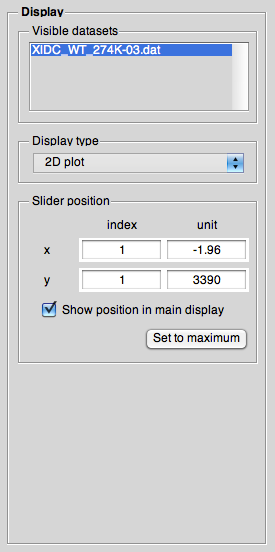
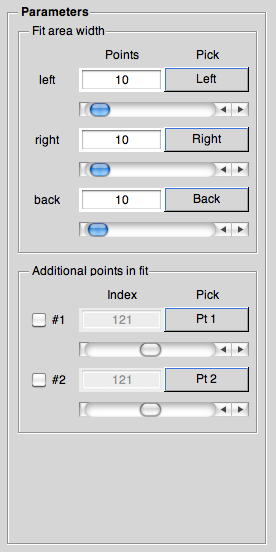
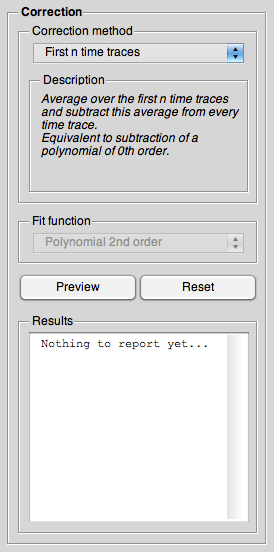 <caption>…</caption>
</figure>
<caption>…</caption>
</figure>
Help
<figure fig-infowithhelp>
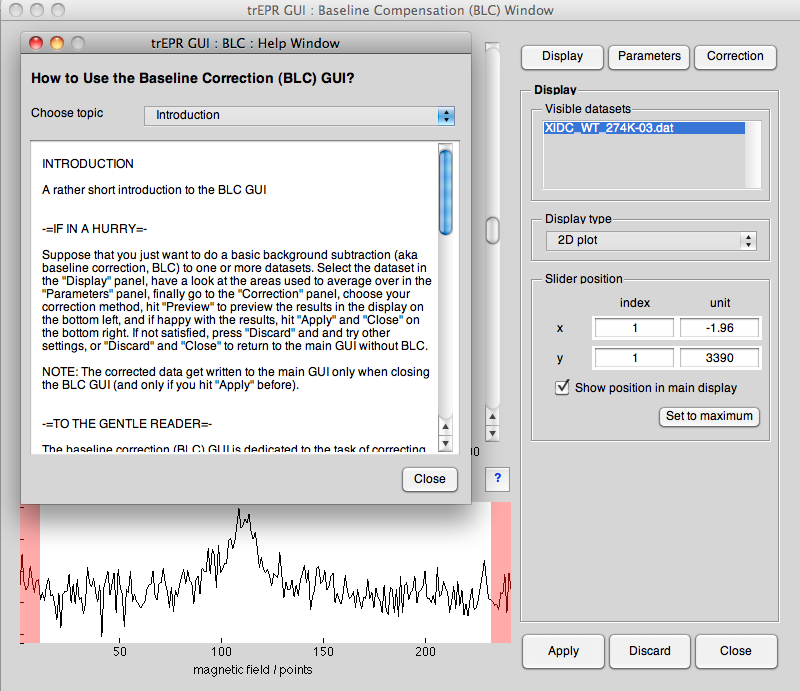 <caption>…</caption>
</figure>
<caption>…</caption>
</figure>
<figure fig-info-help>
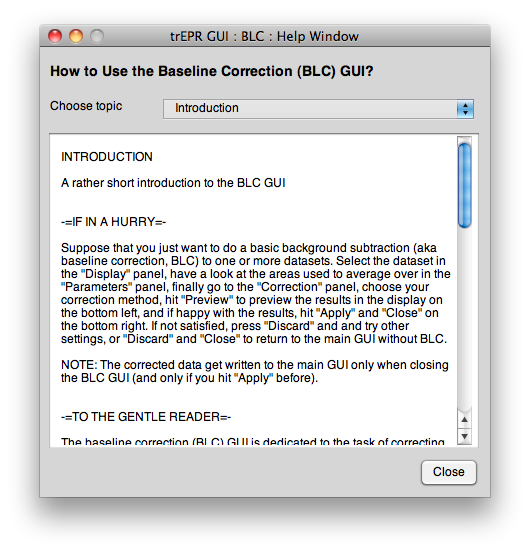 <caption>…</caption>
</figure>
<caption>…</caption>
</figure>
Keyboard shortcuts
There are a number of keyboard shortcuts to help making working with the GUI more convenient. These shortcuts are (as much as possible) identical for every subwindow.
- Ctrl+1…3
- Switch between panels
- Ctrl+x…z
- Switch between display modi (1D along x,y; 2D)
- Ctrl+w
- Close GUI
- F1
- Help