Inhaltsverzeichnis
Info window
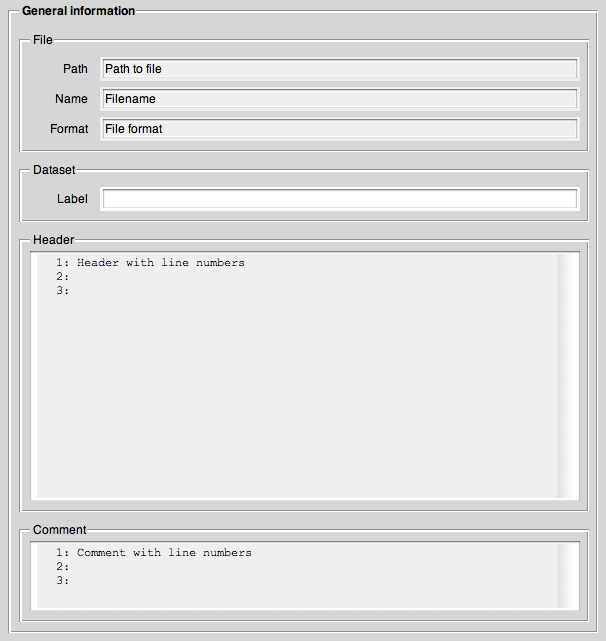
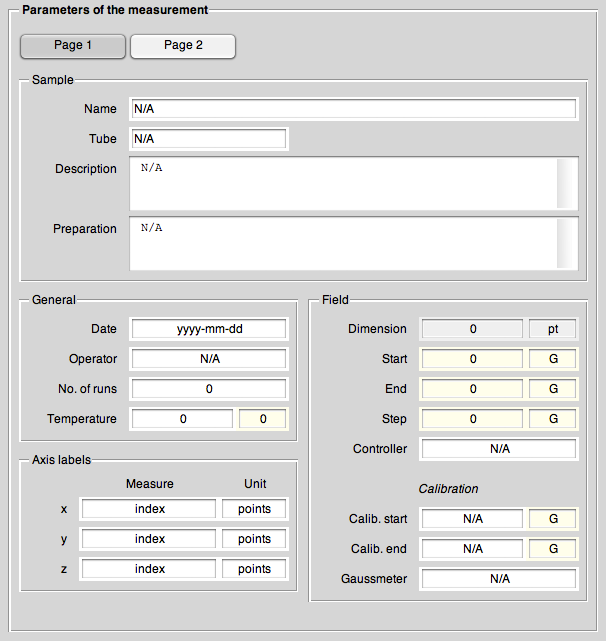
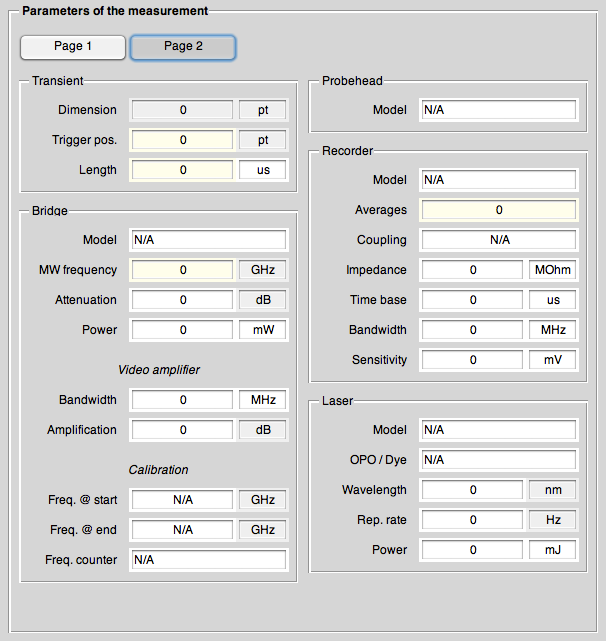
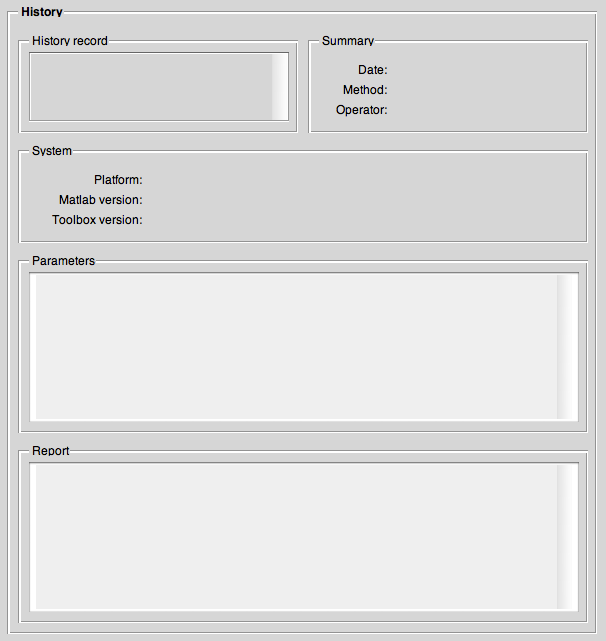
Informations about the currently active dataset.

General panel
Parameters panel
History panel
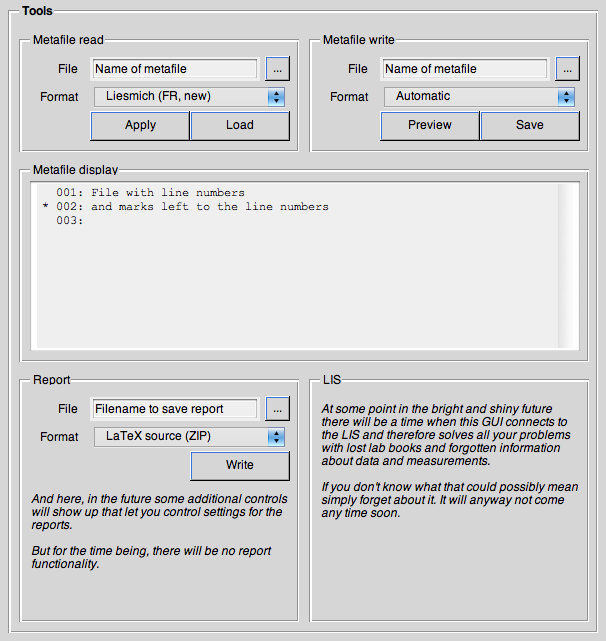
Tools panel
Help
Keyboard shortcuts
There are a number of keyboard shortcuts to help making working with the GUI more convenient. These shortcuts are (as much as possible) identical for every subwindow.
- Ctrl+1…4
- Switch between panels
- Ctrl+w
- Close GUI
- F1
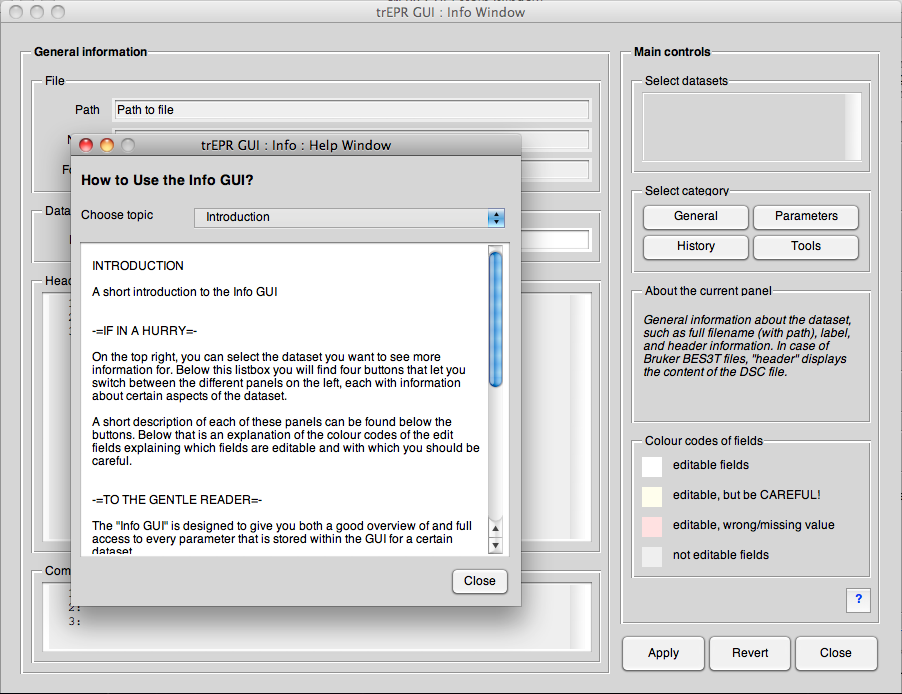
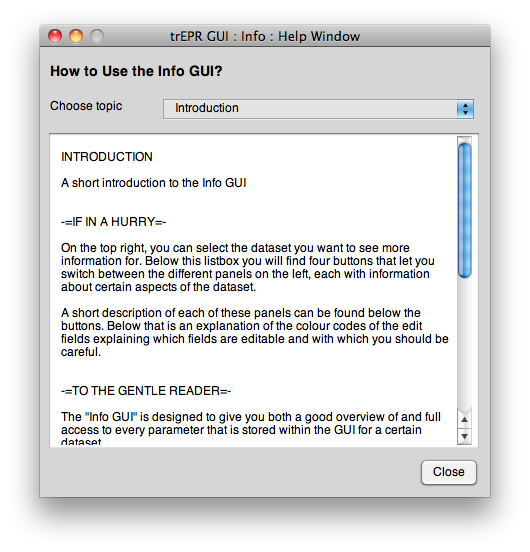
- Help